
Hastings Middle School Activity Registration
Welcome Tiger families! Getting your student registered for middle school activities is quick and easy. You can complete the registration process either online through the Bound website or right from your phone using the Bound mobile app.
Choose the method that works best for you below.
Option 1: Register Online (Web Browser)
If you prefer using a computer or mobile browser, follow these steps.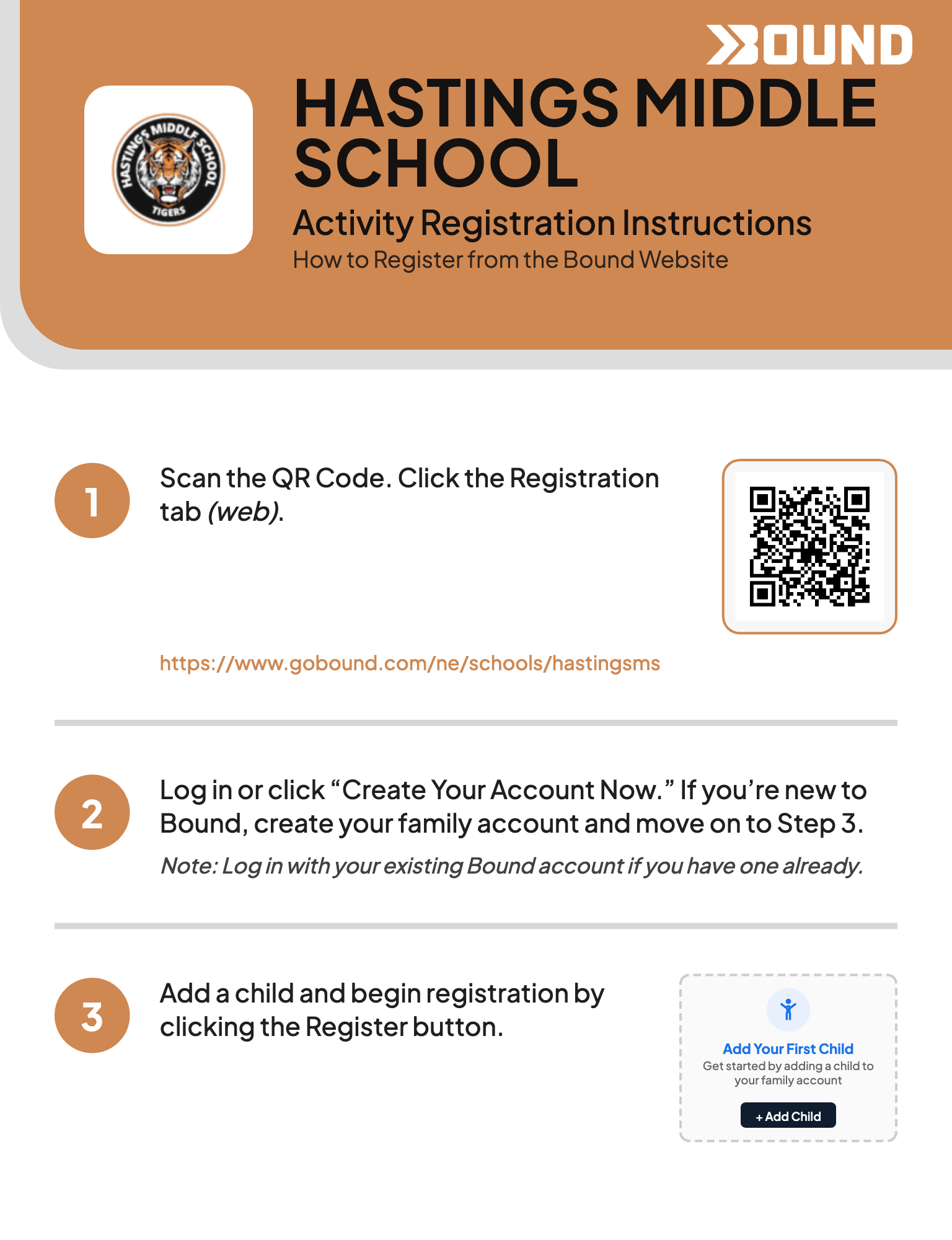
-
Visit the Registration Page Scan the QR code on the flyer or go directly to the Hastings MS Bound Page
-
Log In or Create an Account Click "Create Your Account Now" to set up your family profile.
Note: If you already have a Bound account from a previous season or sibling, simply log in with your existing credentials.
-
Add Your Child & Register Click the "+ Add Child" button to link your student to your family account, then click the Register button to begin.
Option 2: Register via the Bound Mobile App
Prefer to handle things on the go? Register directly from your smartphone. 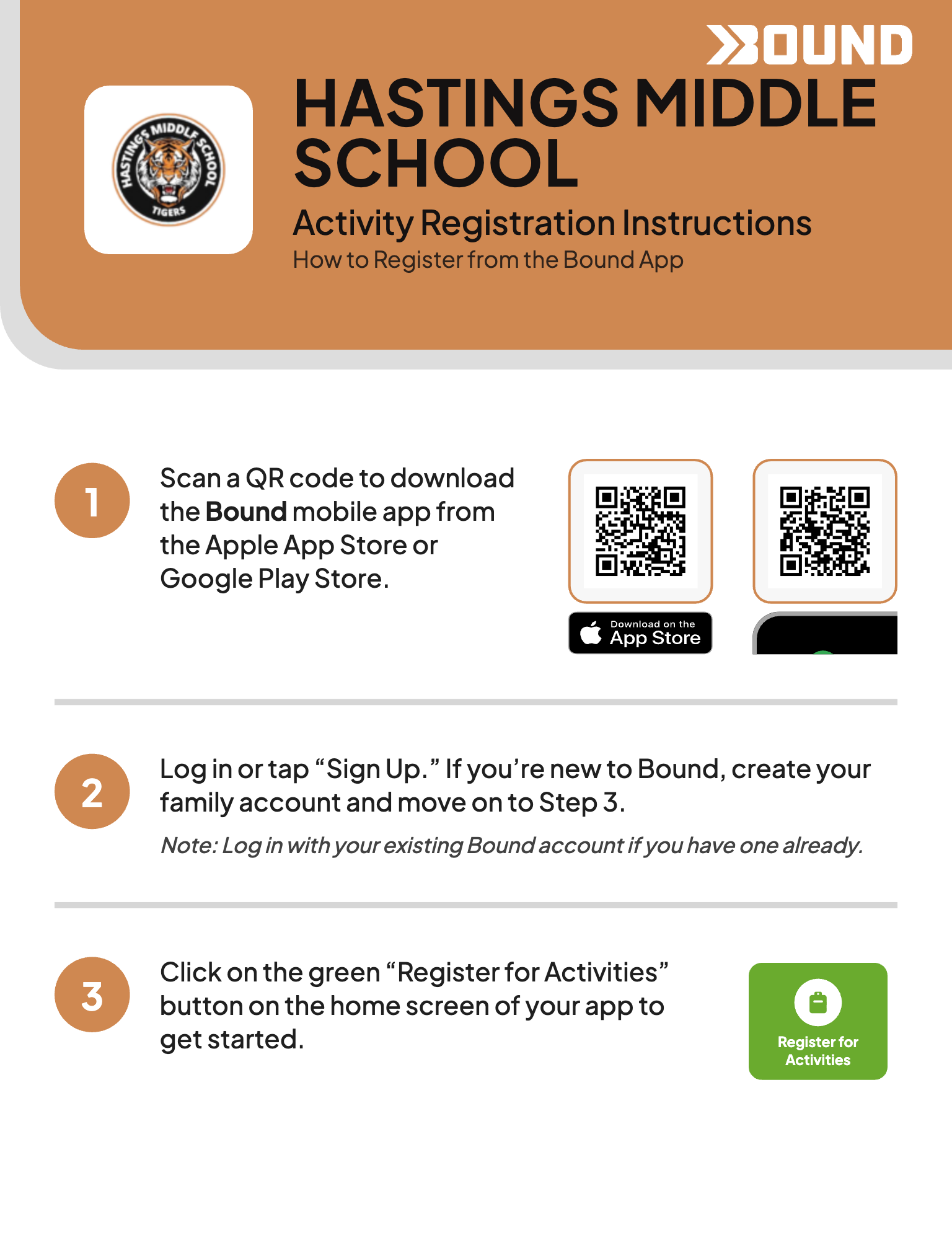
-
Download the App Scan the app QR codes on the flyer to download the Bound mobile app from the Apple App Store or Google Play Store.
-
Log In or Sign Up Tap "Sign Up" to create your family account and move to the next step.
Note: If you are a returning user, just log in with your existing Bound account.
-
Start Registration Tap the green "Register for Activities" button located right on the home screen of your app to get started.
