Communication & Community
Hastings Public Schools offers several ways for families to stay informed and engaged. Use the resources below to receive school communications, follow district news, and access helpful community information.
ParentSquare
Hastings Public Schools uses ParentSquare for school communication, including email, text messages, and mobile app notifications. ParentSquare automatically creates an account for each parent or guardian using the preferred email address and phone number on file.
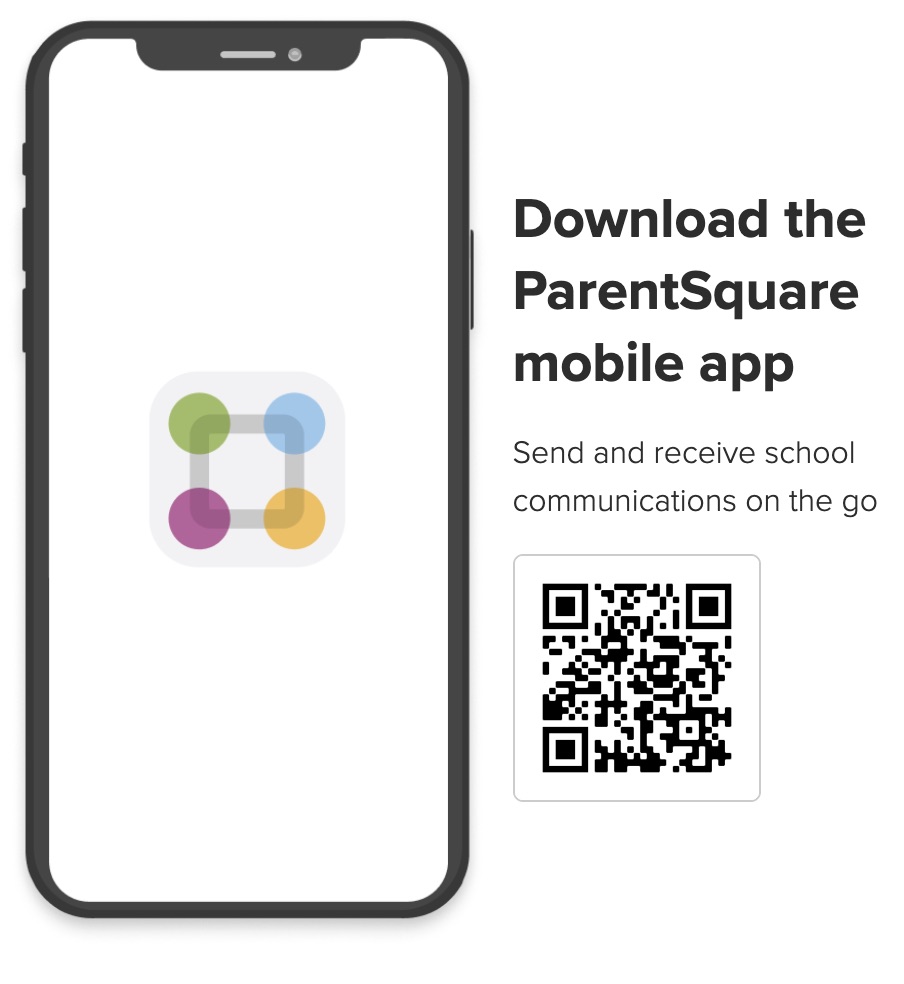
We encourage parents and guardians to access their accounts, download the ParentSquare mobile app, and update their notification preferences to choose when and how they receive school communications.
What You Can Do with ParentSquare
- Receive school messages by email, text message, or mobile app notification.
- Choose to receive notifications immediately or as a daily digest at 6:00 p.m.
- Communicate in your preferred language.
- Comment on school posts when enabled.
- Send direct messages to teachers, staff, and (when permitted) other parents.
- Participate in group conversations.
- Sign up for parent-teacher conferences.
- Complete forms, sign permission slips, receive report cards, volunteer, and more from your computer or mobile device.
ParentSquare Videos
- Introduction for Parents & Guardians (English) (opens in a new tab)
- Introducción para Padres y Tutores (Spanish) (opens in a new tab)
Getting Started Guides
Account Registration Handouts
Additional ParentSquare Resources
- Introduction to ParentSquare (English): Word | PDF
- Introducción a ParentSquare (Spanish): Word | PDF
- Tips for Parents & Guardians (English): Word | PDF
- Tips for Parents & Guardians (Spanish): Word | PDF
Social Media
Follow Hastings Public Schools and our schools on social media to stay informed about district news, student achievements, school events, and important announcements.
- Official Hastings Public Schools Social Media Accounts
- Hastings Public Schools Social Media Community Standards (opens in a new tab)
Community Resources
Explore additional resources available to families and members of the Hastings community.
